Free Download
for Windows 11/10/8
Convert, trim, merge, and compress audio with AI-assisted accuracy. Built for creators and professionals who expect clean results and efficient desktop workflows.
Free Download
for Windows 11/10/8

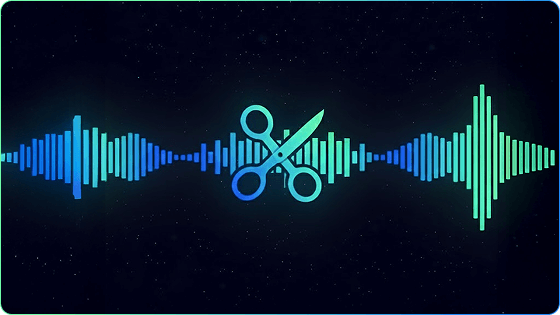
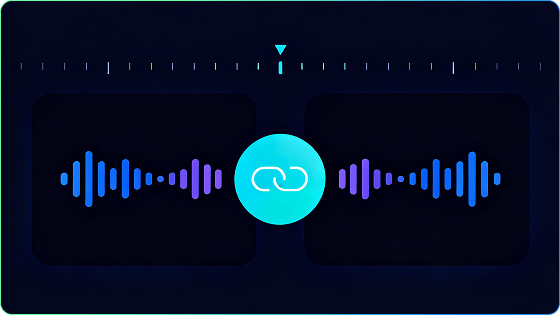
Bring multiple audio files together in one smooth track. No pops, gaps, or glitches — just a clean, continuous result ready for podcasts, music mixes, or multi-part recordings.
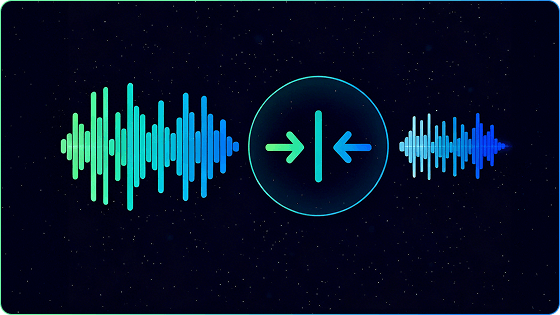
Make your audio lighter without losing detail. Flexible compression settings let you match the file size to your publishing or sharing needs while keeping sound crisp.
Handle large batches of files in one go. AI-assisted batch handling keeps output consistent across large file sets, without manual checks.
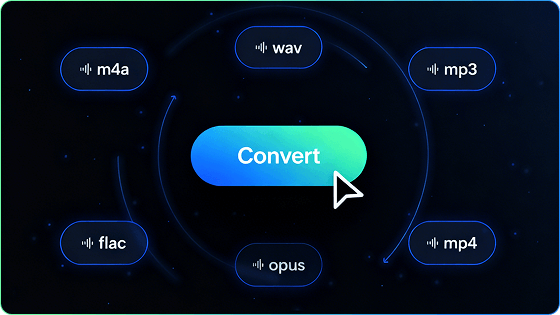
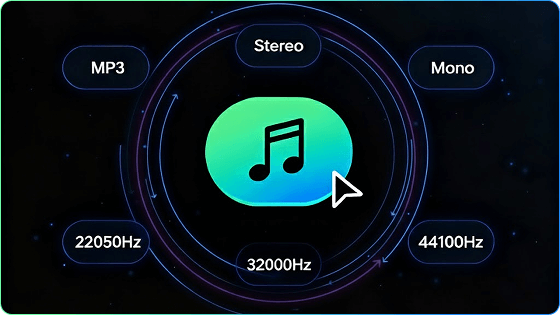
Adjust bit rate, sample rate, and file format to meet studio standards or platform guidelines. Each export delivers consistent, predictable quality across your entire workflow.
Free Download
for Windows 11/10/8
Podcasters polish episodes by trimming pauses, merging segments, and exporting consistent formats for every platform. AI-assisted podcast editing software lets you focus on storytelling.
Producers shape demos, mixes, or stems with full control over format and quality. Whether preparing samples or exporting final tracks, they rely on clean conversion and precise editing.
With this voice editor, teachers refine long lectures by cutting distractions and compressing recordings into share-friendly files. Students receive clear audio that loads fast, even on low bandwidth.
DJs stitch together tracks or create extended mixes without glitches. Smooth transitions and flexible output settings help maintain energy across a full set.
Everyday listeners organize personal libraries more efficiently — converting rare formats, shrinking bulky files, and cleaning up recordings with the help of best music editing software.
Filmmakers and content creators adjust dialogue tracks, optimize audio for editing, or convert sound files to match video timelines. Clear, consistent audio strengthens the impact of every scene.
Select the action you need: trim, convert, merge, or compress.
Upload your audio or video files or drag and drop a fold directly.
Adjust optional settings for quality, format, or file size.
Preview and finalize your audio or video, then download instantly.
A simple workflow that covers every task without confusion — one sound editor, endless possibilities.
Free Download
for Windows 11/10/8
Audio
MP3 WAV AAC FLAC OGG M4A AIFF WMA M4R AA AAX AC3 MKA M4B MIDI
Video
MP4 AVI MOV MKV WMV M4V VOB FLV MPG 3GP WebM F4V OGV RM RMVB MPEG QT ASF DAT TS 3GP 3GP2 H.264 M3U8
Work Offline Anytime
No internet? No problem. All tools operate locally, ensuring maximum security and reliability.
Fast & Efficient
Optimized for speed, handling large files and multiple projects effortlessly.
AI-Assisted Accuracy
Smart algorithms help keep cuts clean, levels balanced, and exports consistent.
High-Quality Output
Professional-grade results for music, podcasts, lectures, or personal recordings.
Aspect
Ease of Use
Interface
Workflow
Internet
Speed
Privacy
Quality
Use Case
Pro Audio Editor
Easy to learn
Modern, clean desktop interface
Batch process multiple files
Works offline; no upload needed
Fast, stable, independent of connection
Files processed locally; fully private
High-quality output
Ideal for creators, musicians, educators, social media producers
Online Audio Editor
Steep learning curve
Old and complex UI
Edit single files only
Requires internet and uploads files
Speed depends on network and file size
Files uploaded to server; privacy depends on platform
Standard output quality
Suitable for users with advanced skills
Free Download
for Windows 11/10/8
Our music editor offers a free trial. You can use the main editing features during the trial period and upgrade to the full version to access all advanced tools.
Our sound editor supports common audio formats such as MP3, WAV, AAC, OGG, M4A, AIFF and WMA, as well as popular video formats including MP4, AVI, MOV, MKV and WMV. You can edit, merge, convert and compress files in these formats.
Yes. This audio editing software allows you to merge multiple audio files in one project.
Yes. Our audio editor supports Windows 10/11/8 and macOS 11 or later.
Yes. This professional audio editing software provides adjustable compression settings to help you reduce file size and control output quality.
Get best AI audio editing software now.
Free Download
for Windows 11/10/8