Free Download
for Windows 11/10/8
30x faster local processing. No uploads, no size limits. Master 15+ audio and 39+ video formats with AI-assisted clarity and 100% privacy on your Windows or Mac.
Free Download
for Windows 11/10/8

Handle 54+ formats including FLAC, WAV, and MOV. This MP3 converter for Windows and Mac decodes rare legacy codecs and 4K masters that cause standard tools to crash, ensuring 100% bit-perfect output.
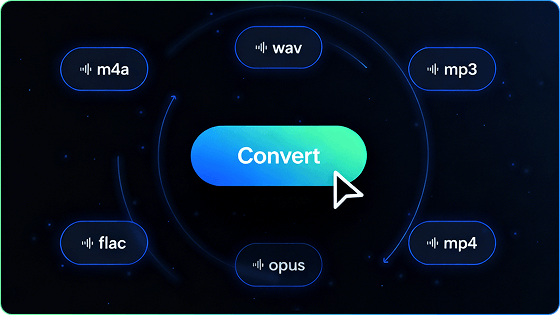
Convert 100+ files locally with multi-threading. A 165MB MP3 hits WAV in 30s — no cloud queues, no bandwidth limits, and 100% privacy.
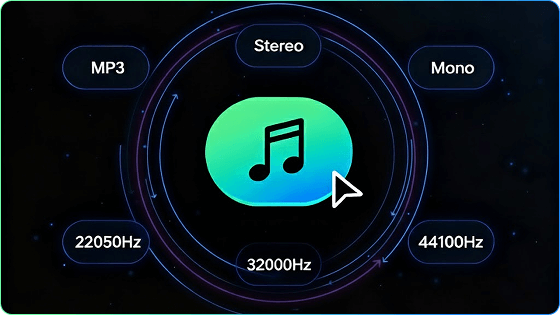
Transform flat mono tracks into immersive stereo using phase-aligned mapping. Add professional depth to podcasts and voiceovers without the "hollow" phasing issues found in basic tools.
Seamlessly switch from 8k (voice) to 96k (studio). Our AI audio editor ensures aliasing-free conversion between 44.1k music and 48k video standards, preserving every sonic detail.
Maintain crystal-clear detail with stable 320kbps bitrate exports. Whether extracting from 4K (4096*2160) masters or heavy 1080p video, our AI ensures zero jitter and consistent volume across every conversion.
All conversions run strictly offline on your device. Unlike online audio converter, your sensitive recordings never leave your desk, ensuring zero risk of data retention, server leaks, or unauthorized AI training usage.
Free Download
for Windows 11/10/8
Audio
MP3 WAV AAC FLAC OGG M4A AIFF WMA M4R AA AAX AC3 MKA M4B MIDI
Video
MP4 AVI MOV MKV WMV M4V VOB FLV MPG 3GP WebM F4V OGV RM RMVB MPEG QT ASF DAT TS 3GP 3GP2 H.264 M3U8
Aspect
Speed
File Limits
Format Support
Batch Work
Quality Control
Privacy
Our Audio Converter
Local processing delivers fast, steady conversion.
Up to 3GB per file.
Reads almost all audio and video formats.
Converts many files or whole folders at once.
Full settings for codec, bitrate, sample rate, and channels.
100% offline with no uploads
Online Audio Converters
Speed depends on upload and network conditions.
Often limited by file size or daily caps.
Supports common formats only.
Usually handles one file at a time.
Basic presets with limited customization.
Requires file uploads to a server.
Free Download
for Windows 11/10/8
Remove extra parts in seconds and keep only the audio you want.
Join multiple clips seamlessly and create one polished track.
Shrink file size while keeping clear, balanced sound quality.
Yes. This audio conversion software allows you to convert audio-only files and full video files with wide codec support.
Yes. This MP3 converter program supports processing for files up to 3GB, allowing you to work with long 4K videos and high-resolution recordings that far exceed the size limits of most standard web tools.
Yes. All processing runs on your Windows or macOS device.
Yes. You can export lossless audio or high-bitrate video based on your needs.
Yes. Device presets of this MP3 converter software cover iPhone, iPad, Android phones, tablets, and more.
Online tools depend on your upload bandwidth. Since this audio converter for Windows and Mac works directly on your hardware, it can process a 165MB file in as little as 30 seconds (based on internal benchmarks). This bypasses internet lag for a more efficient workflow.
If a recording sounds "thin" or only plays from one side, this feature adds perceived depth. It balances the sound across both channels, helping your podcasts or voice memos sound fuller and more natural on modern speakers.
Yes. While web-based tools often freeze with high-resolution media, this audio conversion software is optimized for heavy 4K and Ultra-HD video. It extracts audio locally, providing a more stable environment for processing large movie files.
Convert audio or video on Windows or macOS with stable speed and professional quality.
Free Download
for Windows 11/10/8